Server rack relocation guide: moving server racks safely means planning the de-rack in advance, running an HSE-compliant manual handling risk assessment, and using mechanical aids or insured specialist transport for anything heavy or awkward. The core sequence is: plan, risk assess, shut down, de-rack, pack and secure, move, reassemble, verify. Two HSE documents shape most of this work: manual handling guidance and lifting equipment rules. Van-247delivery offers server relocation as a direct booking option if you’d rather hand the physical move to specialists.
TL;DR:
- A full inventory and dependency mapping are essential before moving servers to prevent overruns and ensure proper downtime planning.
- Manual handling risk assessments and compliance with HSE’s guidance are mandatory, especially for heavy or awkward racks, including equipment certification and hazard elimination.
- Proper packing with ESD-safe materials, labeling, and secure transport procedures are vital to prevent damage and meet safety standards during movement.
- Using the appropriate mechanical aids like powered lifts or skates depends on load weight, route, and floor conditions, with clear roles assigned to avoid accidents.
- Liability and insurance should be verified in writing, with careful chain-of-custody logs and tracking of sensitive or hazardous components, to prevent disputes and ensure coverage.
Table of Contents
- Planning your move: inventory, dependencies and timeline
- UK safety rules: HSE manual handling and lifting equipment guidance
- Shutting down and de-racking servers step by step
- Packing servers safely: ESD, shock and short-term storage
- Moving racks safely: lifts, skates and manual handling technique
- Preparing transport: vehicles, routes and loading
- Reassembling and verifying the server rack after the move
- What Van-247delivery brings to a server relocation
- Insurance and liability during a server rack move
- What repeated UK server moves teach you about avoiding failure
- Book a server relocation with Van-247delivery
- Sources
- FAQ
Planning your move: inventory, dependencies and timeline part of server rack relocation guide
Before anyone touches a cable, you need a paper trail. Skipping this step is the single biggest reason server moves overrun.
Start with a full inventory:
- Record every rack’s U positions, serial numbers, and PDU assignments.
- Map network and power dependencies between hosts, switches and storage.
- Define downtime windows and get sign-off from the business units affected.
- Confirm backup verification has actually happened, not just scheduled.
- Complete a manual handling risk assessment to size your team and equipment correctly.
- Check floor loading limits, lift and doorway clearances, and staging-area conditions.
Your rollback plan matters as much as the move plan. If a critical service fails to come back up on schedule, you need a defined point where you stop, revert, and try again another day rather than improvising fixes under pressure.
A few things worth confirming early:
- Staging areas need climate control if equipment will sit there overnight.
- Lift and door widths should be measured against the widest rack, not the average one.
- Weight limits for lifts and raised floors need checking against your heaviest populated cabinet.
- Waiting time for external contractors is often charged by the hour, so tight scheduling saves money.
For a typical single-rack office move, budget sufficient time for de-rack, transport and reassembly, more if you’re moving multiple racks or the destination site needs cabling work first. Our office moving checklist for 2026 covers scheduling in more depth if you’re coordinating a wider office relocation alongside the server move.
UK safety rules: HSE manual handling and lifting equipment guidance, part of server rack relocation guide
Server racks are heavy, awkward, and often top-loaded with expensive components, which puts this work squarely under HSE’s manual handling and lifting equipment frameworks.
Under HSE’s manual handling guidance (INDG143), employers must protect staff from hazardous manual handling tasks and carry out a proper risk assessment before work begins. Where a routine assessment flags higher risk, such as an awkward lift down a corridor or a rack that can’t be safely split into smaller loads, HSE recommends the MAC and RAPP tools for a more detailed look. The guidance also pushes for mechanisation or automation wherever a manual lift can be eliminated altogether, backed by training on any equipment introduced.
HSE promotes a hierarchy of controls for manual handling risk: eliminate the hazard first, then mechanise, then manage what remains with training and technique. That ordering should shape your entire de-rack plan, not just the final lift.
Where lifting equipment is involved, such as a powered server lift or hoist, HSE’s L113 guidance sets out when a formal lift plan is needed and what counts as a competent operator. A checklist worth keeping on file:
- A named competent person responsible for the manual handling assessment.
- A written, dated risk assessment kept with the project documentation.
- Correct PPE for the team, including gloves and safety footwear.
- Certification records for any lifting equipment used on site.
One emerging compliance point: the UK’s digital waste tracking service will make recording transfers of hazardous components, including batteries in UPS units, a legal requirement for permitted sites from October 2026, extending to carriers and brokers by 2027. If your move involves decommissioning old UPS batteries, build that reporting step into the checklist now.
Shutting down and de-racking servers step by step, part of server rack relocation guide
A clean shutdown protects your data and your hardware. Rushing this stage is where most avoidable damage happens.
- Shut down services in dependency order, storage and databases last, application servers first.
- Verify backups have completed and are recoverable before powering anything off.
- Photograph each rack from the front and rear before removing a single cable.
- Label every server, PDU and cable with its U position using a consistent UID system.
- Remove rack-mounted equipment in reverse installation order, heaviest items last where possible.
- Bag and label small parts (rails, screws, cage nuts) by device, not by rack.
Chain of custody matters here too, particularly for data-bearing drives. Keep a signed log of who removed each device, when, and where it went, right through to reinstallation.
A few practical notes worth building into your process:
- U-position diagrams saved alongside your photographs cut reassembly time significantly.
- Cable maps should note both ends, not just the port label at one end.
- Loose fastener bags should be taped directly to the device they belong to, not grouped in one box.
Leaving equipment racked during the move is sometimes acceptable, but only with a purpose-built, safety-certified lifting device designed for that load. ServerLIFT’s guidance is blunt on this point: moving a fully populated cabinet without the right equipment is generally not recommended, so de-populating first remains the safer default for most UK office and data centre moves.
Packing servers safely: ESD, shock and short-term storage, part of server rack relocation guide
Physical damage during transit is rarely dramatic. It’s usually a small knock, a static discharge, or a drive left loose in a box that fails weeks later.
- Wrap sensitive modules and drives in ESD-safe bags before boxing them.
- Use sealed, rigid transit containers for anything with exposed connectors or memory.
- Remove rack doors where possible to reduce weight and protect glass or mesh panels.
- Secure rails and PDUs separately, bubble-wrapped and labelled by rack.
- Add shock-absorbing foam or corner protectors around the rack frame itself.
Keep a small consumables kit on hand: cable ties, spare cage nuts, labels and tape. Running out mid-move because a bag split is an avoidable delay.
Pro Tip: Photograph every packed box before sealing it, so if something goes missing you know exactly what was inside and where it was packed.
For a deeper look at packing sensitive kit without disrupting office uptime, see our IT equipment packing guide.
Moving racks safely: lifts, skates and manual handling technique, part of server rack relocation guide
Choosing the right mechanical aid depends on the rack’s weight, the route it needs to travel, and the floor surface at both ends.
- Powered server lifts suit tall, heavy racks that need precise vertical positioning.
- Caster-based rack skates work well on flat, hard flooring over short distances.
- Pallet trucks are useful for de-populated racks on pallets, less so for populated ones.
- Forklifts are generally unsuitable inside server rooms due to space and precision constraints.
Team roles should be assigned before the lift starts: one person directing, others pushing or steadying, and nobody improvising a grip on the fly. Push and pull tasks should follow the kind of ergonomic thinking behind HSE’s RAPP assessment tool, keeping loads close to the body and avoiding twisting under load. Wheel selection matters more than people expect: raised floor tiles need soft, wide casters to avoid denting, while standard flooring can take firmer wheels.
Once the rack is on a lift or skate, secure it against lateral movement with straps or a bracing frame. A rack that shifts sideways mid-move is how equipment gets bent or dropped.
Pro Tip: Test the route with an empty rack or trolley first, doorways and lift dimensions look different once you’re pushing something heavy through them.
Preparing transport: vehicles, routes and loading, part of server rack relocation guide
Getting a rack from the building to the vehicle safely is only half the job. The vehicle and route need as much planning as the de-rack itself.
- Choose an enclosed, insured vehicle with a tail-lift or lift-assisted loading ramp.
- Confirm the vehicle’s weight capacity and axle loading against your heaviest rack.
- Walk the route in advance, checking doorway widths, ramp gradients and car park height limits.
- Pre-inspect the loading bay for step-free access and confirm secure tie points inside the vehicle.
- Brace racks upright during transit, never laid flat unless the manufacturer confirms it’s safe.
When briefing a carrier, ask directly about:
- Driver experience with IT equipment specifically, not just general removals.
- What lifting or bracing equipment they carry as standard.
- Insurance cover for the declared value of the equipment.
- A signed chain-of-custody document covering pickup to delivery.
Our pallet delivery safety standards page covers bracing and load securing in more detail if you’re moving racks alongside palletised equipment.
Reassembling and verifying the server rack after the move, part of server rack relocation guide
Getting racks back into position is straightforward. Getting services back online reliably is where the real verification work happens.
- Reinstall equipment following your U-position diagram, heaviest and lowest items first.
- Power up in stages, checking PDU load against the site’s power budget before adding the next device.
- Confirm network connectivity and service health at each stage before moving to the next.
- Run through your defined success criteria: if a service doesn’t come up cleanly within the agreed window, trigger the rollback plan rather than troubleshooting indefinitely.
- Update your CMDB and asset records with new locations, and note anything for the next move’s lessons-learned file.
Staged power-up matters more than it sounds. Bringing every device online at once risks inrush current problems and makes it harder to trace which component caused an issue if something doesn’t start cleanly.
What Van-247delivery brings to a server relocation
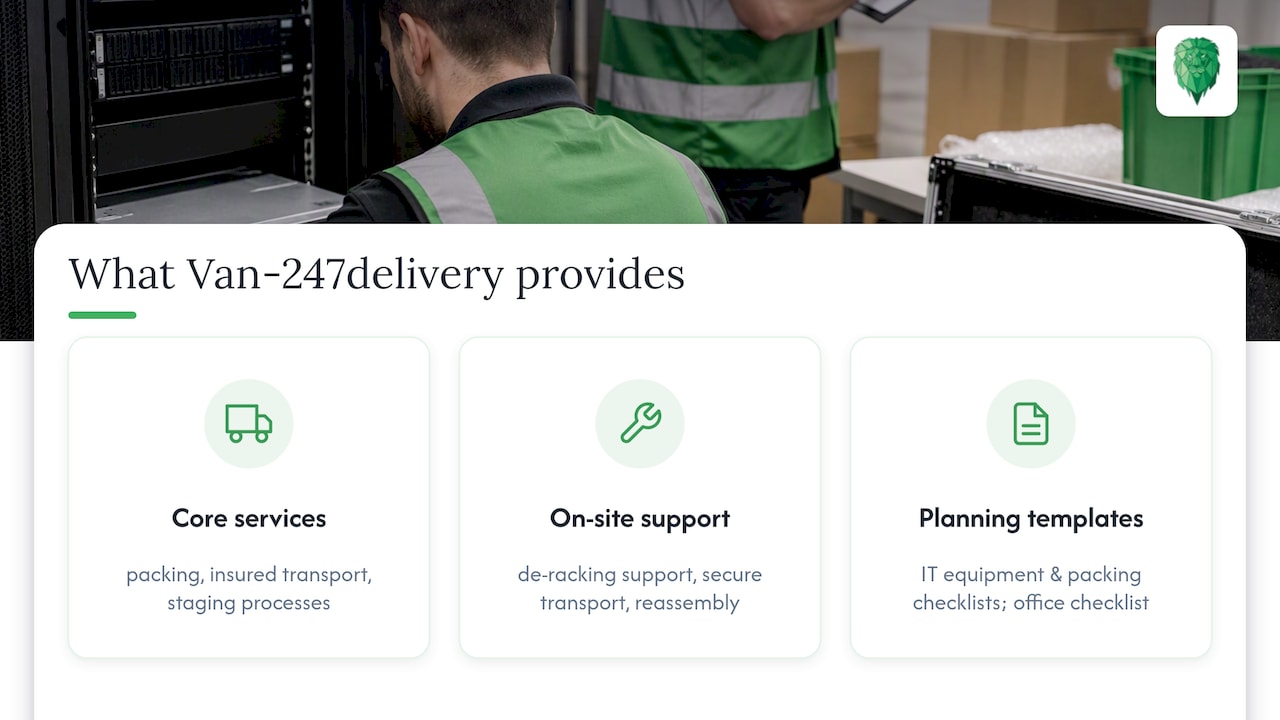
A logistics provider with extensive UK experience has packing, insured transport and staging processes designed for this kind of specialist move. The server relocation service covers de-racking support, secure transport and reassembly, aligned to the same steps outlined above.
If you’re planning the move yourself but want a documented starting point, our IT equipment moving checklist and packing guide give you templates you can adapt to your own inventory and timeline. Teams handling a wider office move alongside the server relocation often find the office relocation checklist useful for coordinating vendors and staging areas at the same time.
Insurance and liability during a server rack move, part of server rack relocation guide
Server hardware carries a value that standard household or office removal cover often doesn’t reflect, so it’s worth checking what’s actually covered before move day.
Ask any carrier or internal facilities team to confirm cover for the declared replacement value of the equipment, not just a generic goods-in-transit policy. Liability during the move typically sits with whoever has physical custody of the equipment at that moment, which is exactly why a signed chain-of-custody log matters: it establishes who was responsible if something goes wrong between de-rack and reinstallation.
Data security is a separate concern from physical damage. Drives and storage devices should be tracked individually, ideally with a signed transfer record at each handover point, so there’s no gap where a device’s location or custody is unclear. If any equipment will be decommissioned rather than reinstalled, check whether it falls under the UK’s digital waste tracking service requirements for hazardous components such as batteries.
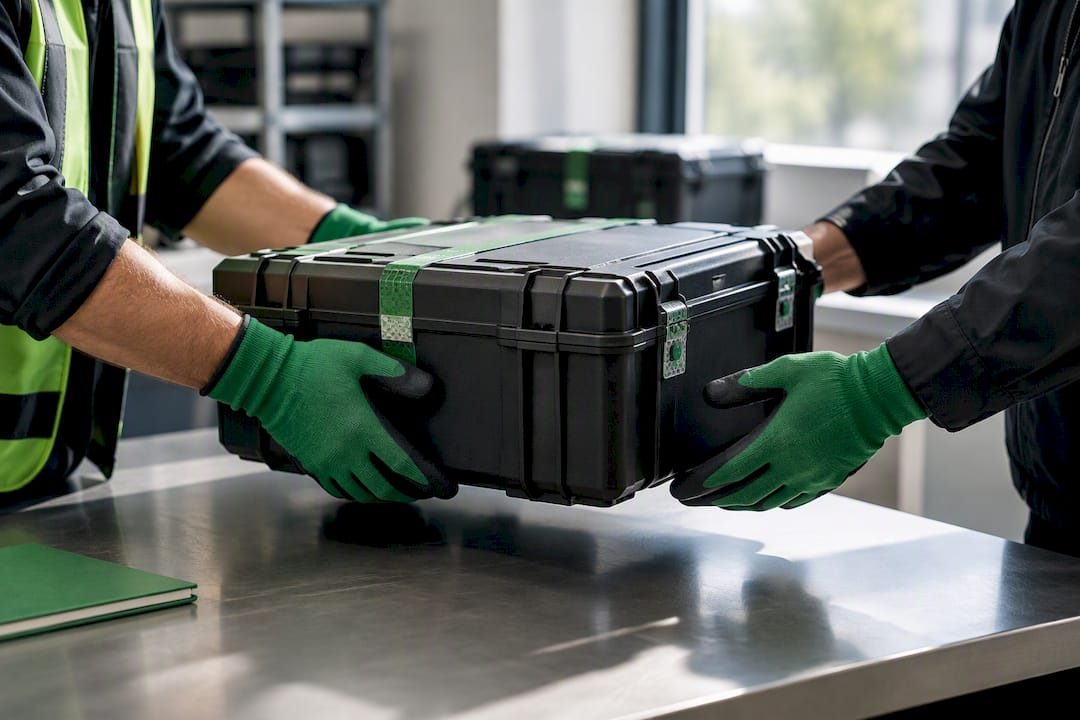
Before booking any external mover, confirm in writing what their insurance actually covers: declared value, transit damage, and any exclusions for data loss or downtime. A cheap quote that excludes equipment damage isn’t actually cheap if something goes wrong halfway through the move.
What repeated UK server moves teach you about avoiding failure, part of server rack relocation guide
The same mistakes come up again and again: skipping the risk assessment because “it’s just a rack,” underestimating what a fully loaded cabinet actually weighs, and labelling cables loosely enough that reassembly turns into guesswork.
On move day, three quick checks catch most problems before they happen: confirm the lift or skate is rated for the rack’s actual weight, confirm every cable and U position is labelled before disconnection begins, and confirm someone has physically walked the route the rack will travel.
— Claudiu
Book a server relocation with Van-247delivery
If you’d rather hand the physical move to a team that does this regularly, Van-247delivery’s office relocation service covers server relocation alongside packing, insured transport and WI-FI or video conferencing reinstallation, so the whole office move can be coordinated under one booking.
- Get an instant online quote before committing to a date.
- Add packing, storage or furniture disassembly if your move involves more than the server room.
- Insured transport covers the equipment from de-rack to reinstallation.
When you request a quote, expect a short call to confirm rack count, access constraints and your preferred move window before a final price is confirmed. Head to the office relocation service page to get started.
Sources
- Manual handling at work – HSE
- Gov
- 10 steps to successfully move server racks and cabinets – ServerLIFT
FAQ
Do I need to de-populate a rack before moving it?
In most cases, yes. Moving a fully loaded cabinet is generally not recommended unless you’re using a purpose-built, safety-certified lifting device designed for that exact task, according to ServerLIFT’s relocation guidance. De-populating first and transporting components in sealed, labelled containers is the safer default for most office and data centre moves.
What does a manual handling risk assessment need to cover?
It should identify the load, the route, and the team available, then flag whether a detailed assessment using tools like MAC or RAPP is needed, as set out in HSE’s manual handling guidance. The assessment should be written down, dated, and kept with the project file alongside equipment certification records.
How long does a typical server rack relocation take?
A single-rack office move typically takes a full working day covering de-rack, transport and reassembly, though multiple racks or additional cabling work will extend that. Timelines depend heavily on access, floor loading checks and how much pre-move documentation is already in place.
Who is liable if equipment is damaged during the move?
Liability generally sits with whoever has physical custody of the equipment at the time, which is why a signed chain-of-custody log matters throughout the move. Always confirm in writing what a carrier’s insurance actually covers, including the declared replacement value of the hardware, before booking.
Can Van-247delivery handle a server relocation alongside a wider office move?
Yes, Van-247delivery’s office relocation service covers server relocation, packing and insured transport, alongside WI-FI and video conferencing reinstallation for the rest of the office. You can get an instant online quote covering the full move rather than booking separate suppliers.